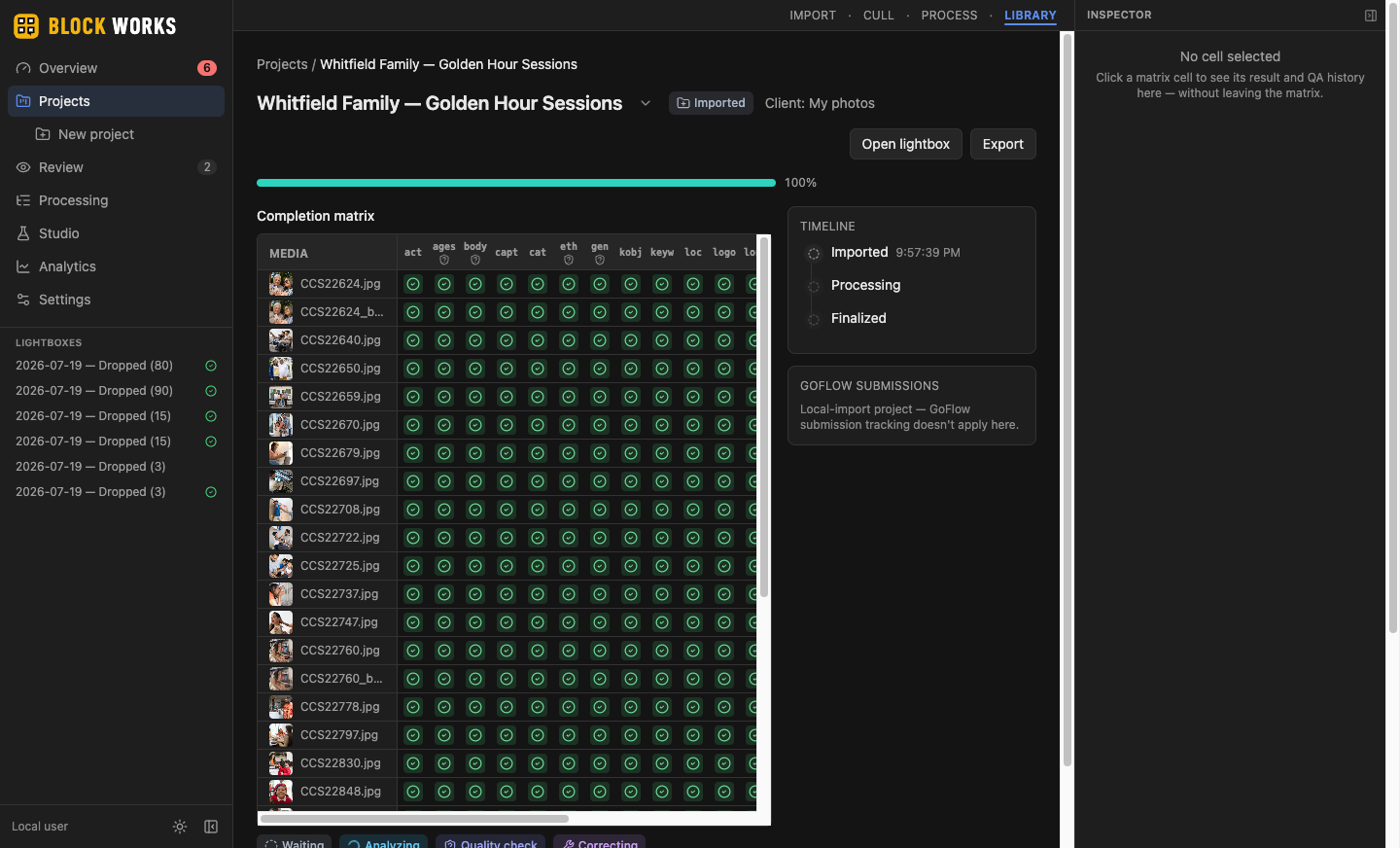
Import
Point BLOCK WORKS at a folder, a card, or drag files straight in — RAW included. Every file lands on a staging lightbox as it's ingested; you watch the grid fill in real time, not a progress bar with no picture behind it.
- ✓ 692 real images/minute sustained, measured end to end (ingest → faces → embeddings)
- ✓ RAW decoded automatically — no side conversion, no separate app
- ✓ Save the session as a named Lightbox and come back to it any time
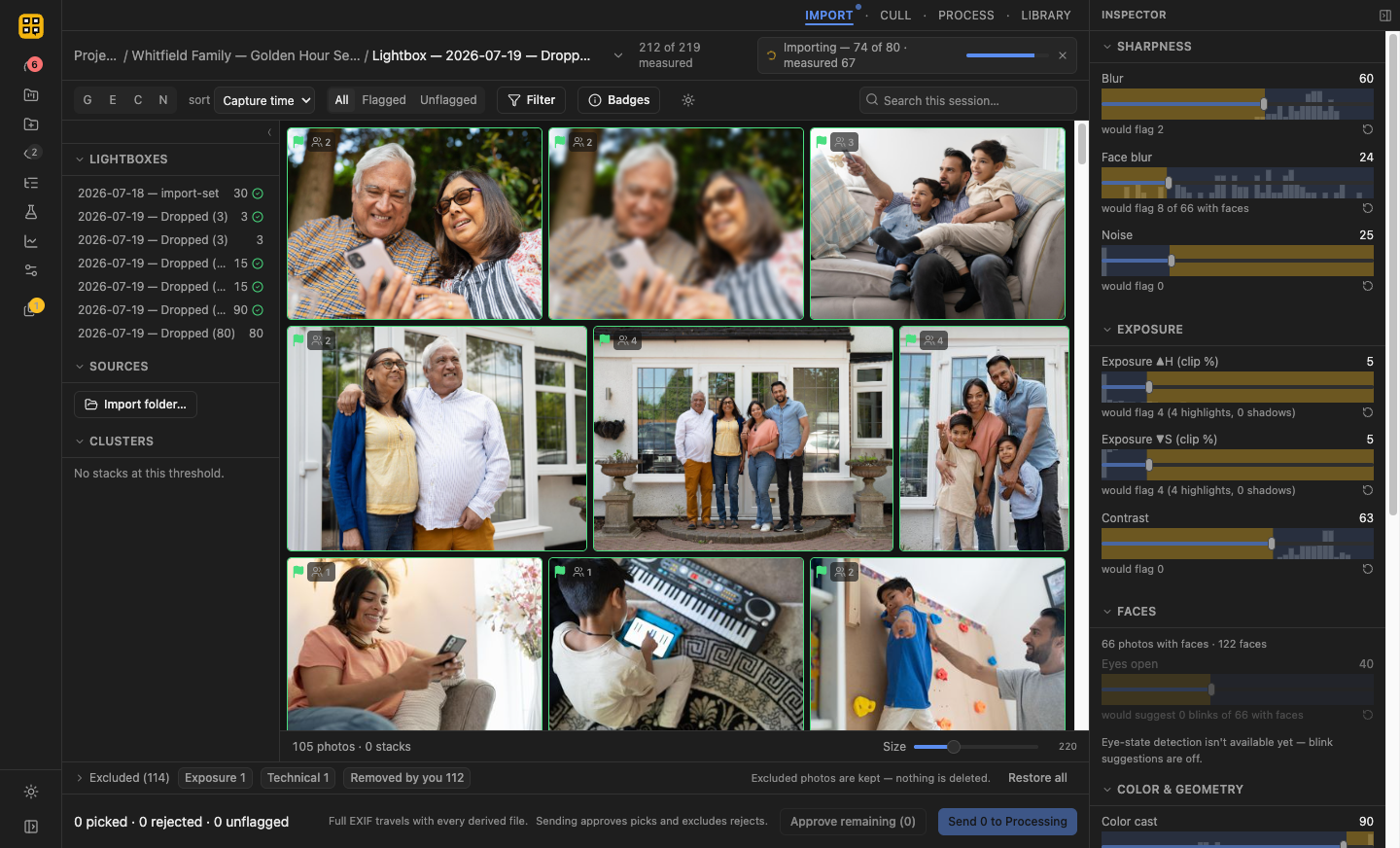
Cull
Blur, exposure, blink, and near-duplicate scores are computed once per image and shown on every thumbnail. The threshold sliders are pure view state — move them and the grid re-sorts live, nothing is ever silently deleted underneath you.
- ✓ Live re-evaluation in under 1ms at 2,000+ images — measured, not estimated
- ✓ Burst and near-duplicate clustering with one-click "keep best"
- ✓ Full keyboard culling: P/X/U picks, 1–5 star ratings, 6–9 color labels
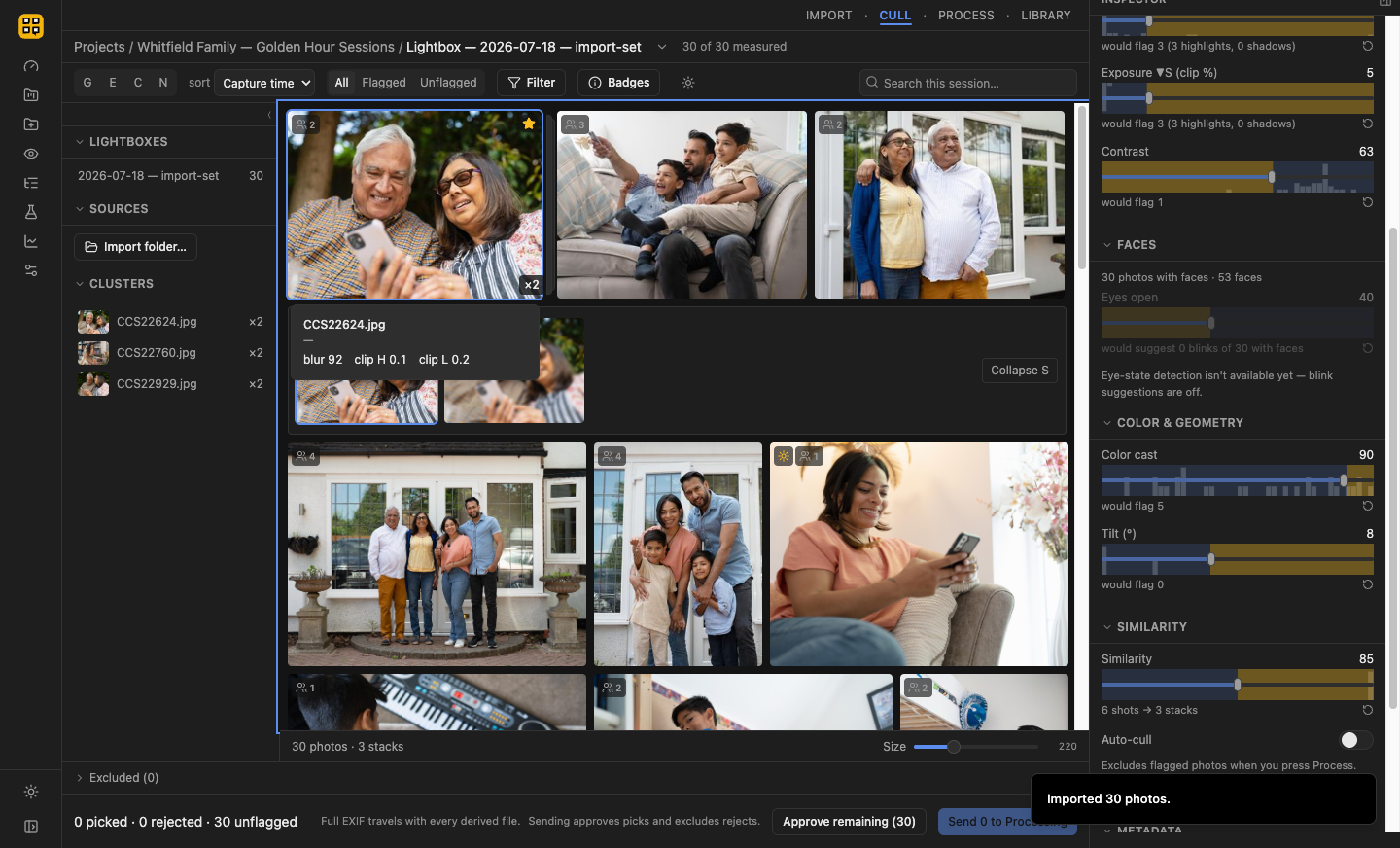
Process
Approved keepers go through 21 AI analysis types on an embedded vision model running entirely on your machine — no upload, no API key, no per-image cloud bill.
- ✓ Keywording follows real platform conventions — caps, ordering, no trademark terms
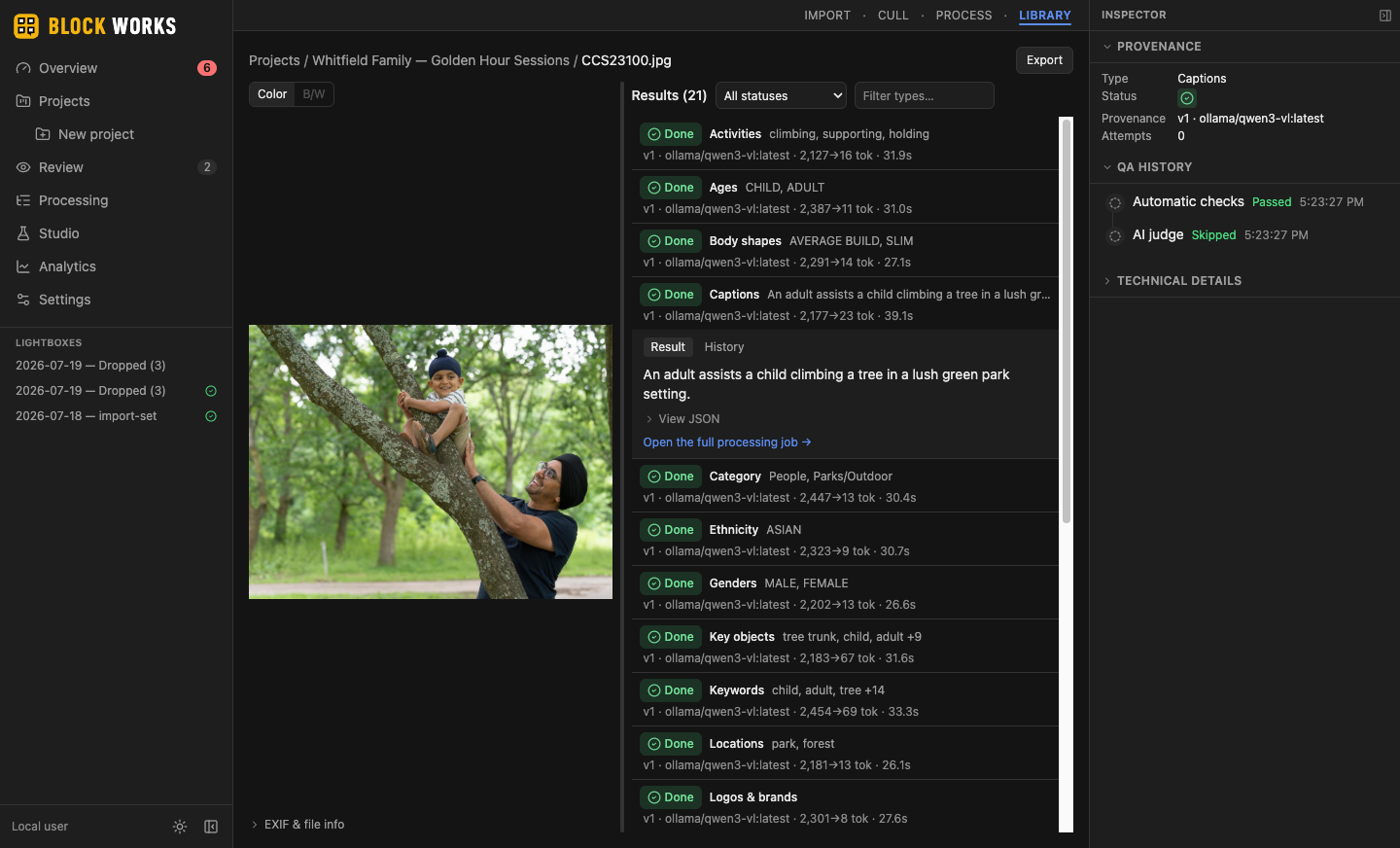
- ✓ Captions, titles, and long-form descriptions written to real IPTC/XMP fields
- ✓ Runs offline once the model is downloaded — once, not per shoot
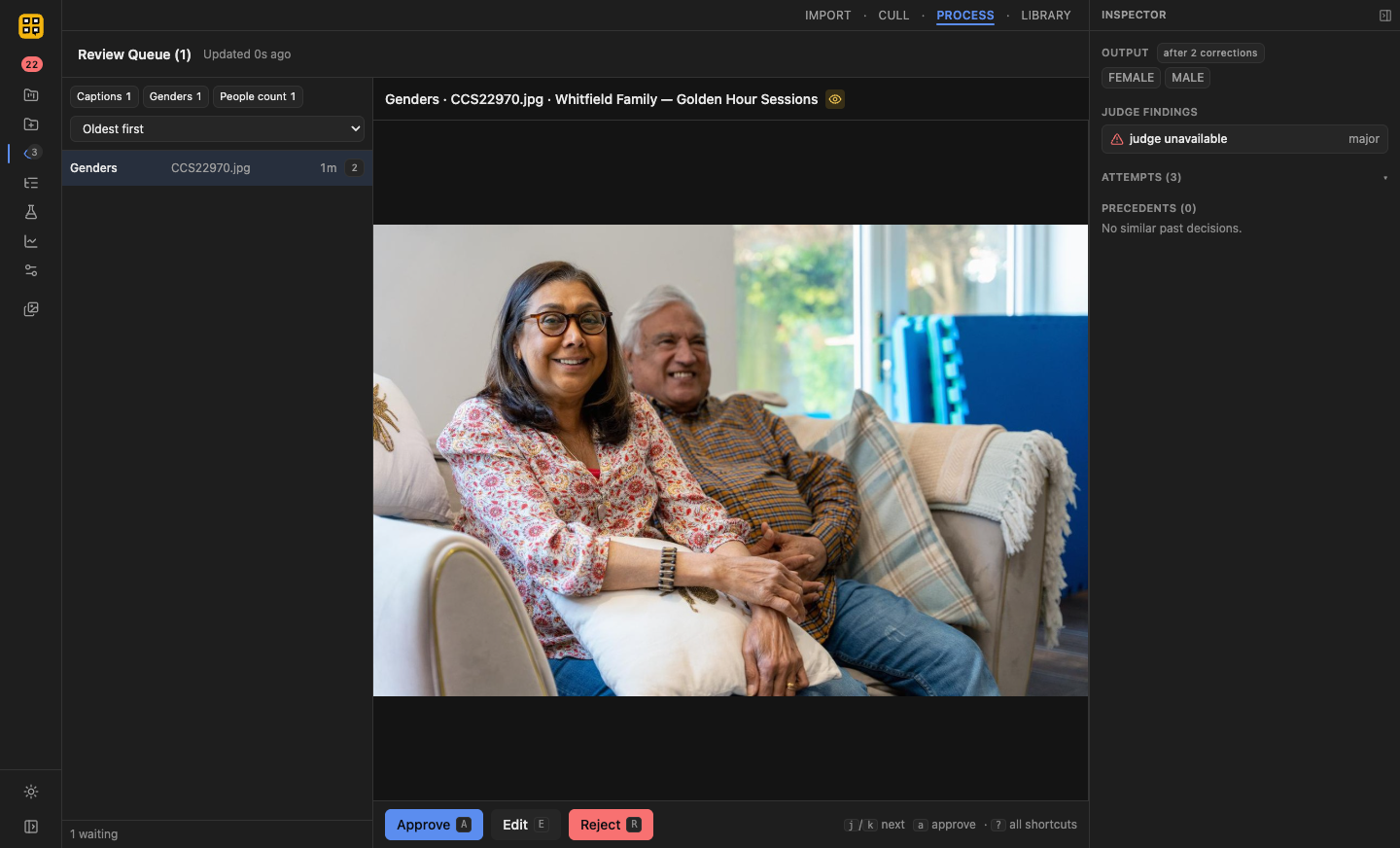
Review
Every AI result gets a human decision before it ships. Approve, edit, or reject — nothing goes out the door on the model's word alone.
- ✓ Side-by-side: the image and every generated field, together
- ✓ Edit in place, or reject with a reason that feeds back into future runs
- ✓ A live queue depth, not a black box you hope finishes
Export
Reviewed metadata is written straight into the file — real EXIF/IPTC/XMP, not a side-car nothing downstream will read. Every export carries a C2PA Content Credentials manifest — the open industry standard for content authenticity — proof it's a real camera capture with a traceable edit history.
- ✓ Signed with C2PA Content Credentials, verifiable by anyone downstream
- ✓ A project report accompanies every delivery
- ✓ Nothing leaves your machine at any stage to get here
 Powered by C2PA Content Credentials